
If you are qualified for your subjects
You can request an online meeting for additional guidance if you are unsure about your subject choice. A Teams link will be sent to you once you have booked your session.

Enrolment for entry in September 2026 will open on Thursday, 20 August at 9 am (GCSE Results Day). There are two stages to Enrolment at Hills Road, and both take place online, via Applicaa. Students can also meet with a member of staff at our Advice Hub to discuss their subject choices.
Got a questions about Enrolment? Read our FAQs
Find out moreIn advance of 20 August, please make sure you can log in to Applicaa. You will not see any information about enrolment until 20 August. If you can't log in, please email admissions. You can reset your password on the platform.
Internet access
Please ensure you plan to have access to the internet and a suitable device. If this is not possible, please contact Admissions. If you know you will be away during the Enrolment period and are concerned about internet access, we strongly advise you to nominate a close friend or family member to be on standby should you need them to help.
Get prepared
Stage 1 Opens at 9 am, Thursday 20 August and closes at 3pm, Friday 21 August.
For full information, please refer to our Stage 1 Enrolment guide linked below.
When you have completed Stage 1 Enrolment, we will check your Statement of Results to confirm you are qualified for your offered A level subjects. We will also check that your photograph meets the requirements below, so it can be used for your college card.
If your Admissions Score is lower than those shown below, please continue to complete Stage 1 Enrolment. Entry scores can vary from year to year, and in some cases, we may accept students with scores lower than those shown.
| Category | Minimum Entry For all subjects excluding those listed below |
|---|---|
| Admissions Score | 58 (or 56 for CAP) |
| Category | Maths |
|---|---|
| Admissions Score | 60 |
| Category | Higher Biology Chemistry, Computer Science, Physics |
|---|---|
| Admissions Score | The Minimum Entry Score applies at Enrolment for sciences |
| Category | Four A level programme Including Further Maths |
|---|---|
| Admissions Score | 78 |
You can request an online meeting for additional guidance if you are unsure about your subject choice. A Teams link will be sent to you once you have booked your session.

If your GCSE results are not what you hoped for and do not meet the GCSE grade and/or Admissions Score for one or more of your offered A level courses, please still complete Stage 1 Enrolment.
We will review your enrolment information and invite you to an in-person meeting at our on-campus Advice Hub on Tuesday, 25 August, to discuss possible alternative A level courses with you. You are welcome to bring your parents or carers to the Advice Meeting; a maximum of three people per group.
Please let us know if you or anyone in your group needs to book a disabled parking space. There is no parking at the College.
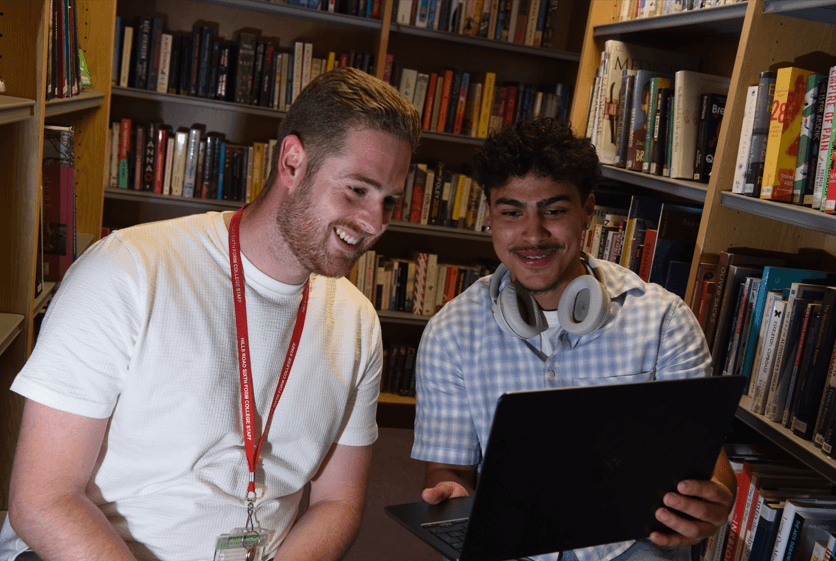
You will be sent a booking link for your advice meeting, which must be booked by Monday, 24 August.
Due to the short delay between bookings closing and meetings taking place, we won’t be able to make any changes, so please ensure you select a suitable slot.
Please note: If you are invited to the Advice Hub, your Stage 2 Enrolment will be completed during the meeting if you choose the enrol.
As mentioned above, for Stage 1 Enrolment, you will upload the grade evidence supplied by your school or awarding body showing the grade(s) you have received.
Examples of grade evidence include:
Guidance for submitting your grade evidence:
As part of Stage 1 Enrolment, you will also upload a photograph for your college card. This card is your identification for the two years you are at Hills Road, and is used to enter and exit the campus, so it is very important.
Only photographs in the style of those with a green tick (below) can be accepted:
Guidance for submitting your photograph:
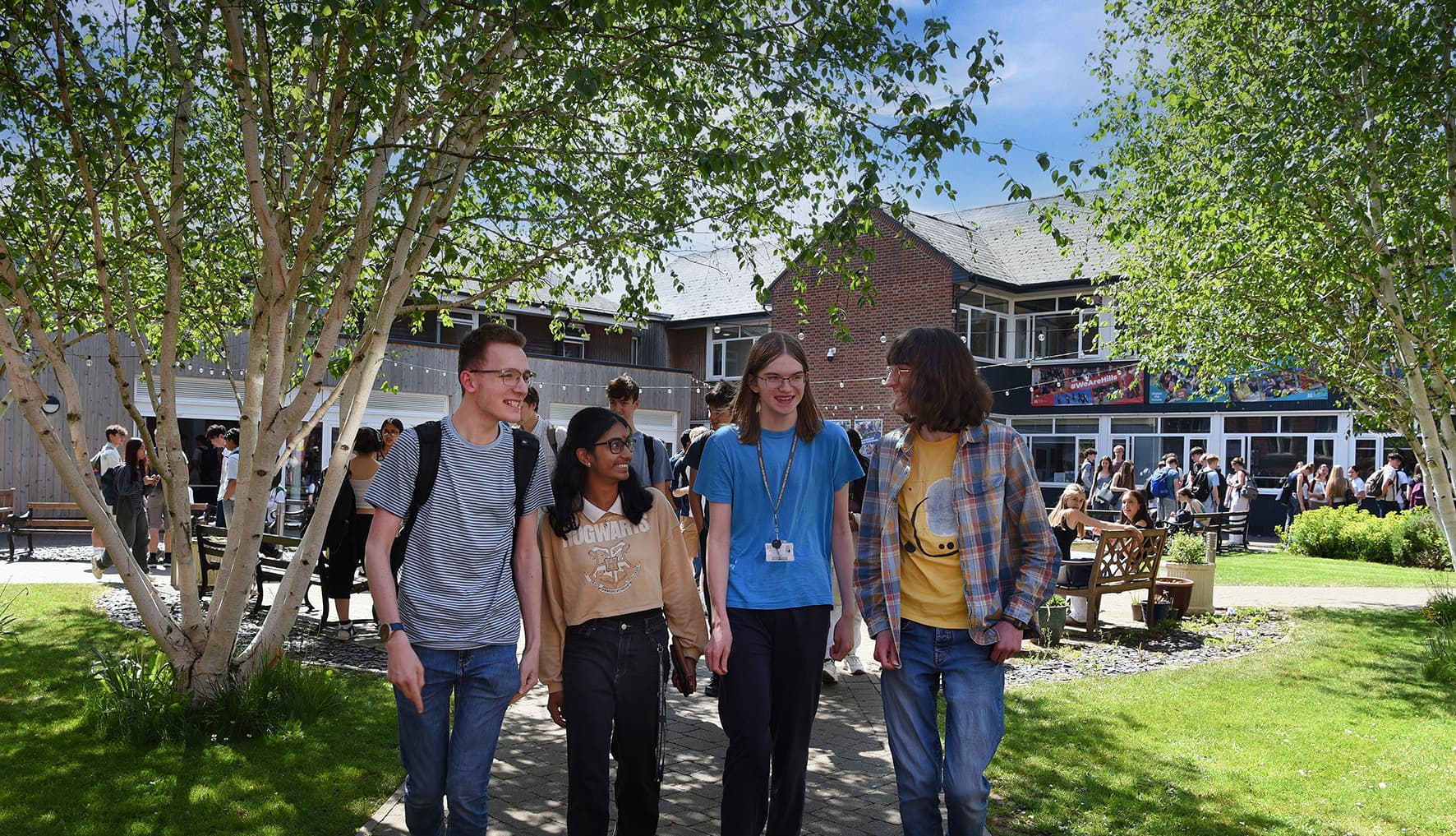


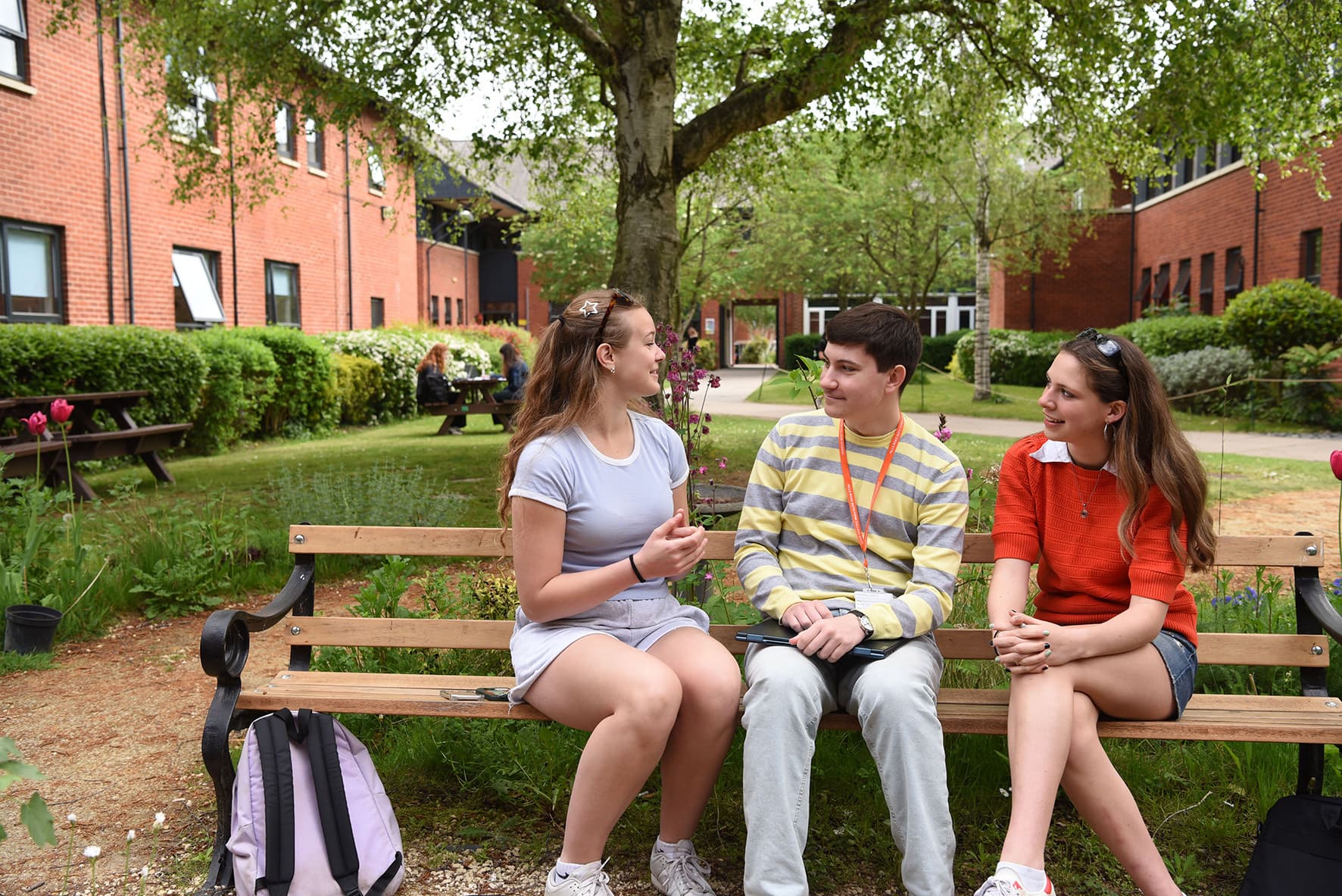
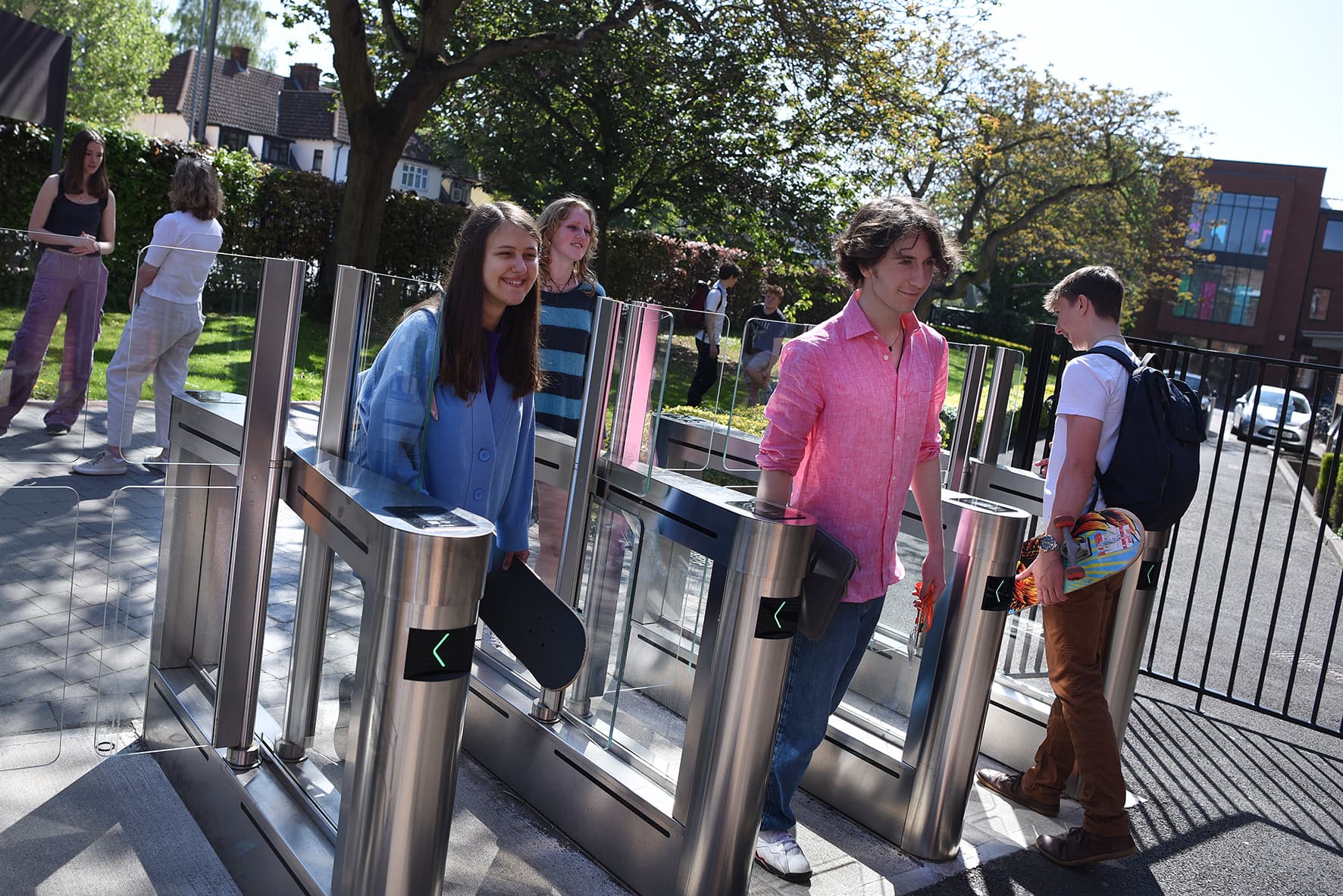
All emails about Enrolment are sent to both students and their parent or carer contacts. If you are not receiving our emails, please check your junk, spam and promotions folders. Ask your parent or carer contacts to check theirs too.
Your Enrolment takes place through Applicaa. Log in to check whether Stage 2 Enrolment is available to you or whether you have been invited to book an advice meeting for 25 August.
Please log in to Applicaa and check your Enrolment status before contacting the Admissions Team.